How to Generate SEO Content Briefs at Scale
Automate SEO content brief creation to overcome production bottlenecks. This guide shows how to generate detailed, optimized briefs from keywords in minutes using no-code AI tools.

You have the keyword list. You have the writing team (or the freelance budget). You have the publishing schedule.
But the content isn't moving.
Why? Because the briefs aren't ready.
This is the "Brief Bottleneck." It is the single most common stalling point for agencies and in-house teams trying to scale content production. If a high-quality brief takes you 30 minutes to research and write, and you need to launch 50 pages this month, you are looking at 25 hours of administrative work before a single word of the actual article is written.
Many SEOs try to solve this by "chatting" with AI tools like ChatGPT or Claude. While faster than manual writing, this is still a 1-to-1 process. You paste a keyword, prompt the bot, wait for the output, copy it, paste it into a doc, and repeat—50 times. That isn't scaling; that's just typing faster.
To truly scale, you need to move from "craftsmanship" (doing one at a time) to "manufacturing" (batch processing).
Here is how to build a no-code automated pipeline that turns a list of keywords into detailed, SEO-optimized content briefs in minutes, not days.
The Anatomy of a Scalable Content Brief
Before you can automate anything, you must standardize it. If every brief you write follows a different format, automation will fail. You need a "Minimum Viable Brief" (MVB)—a standardized structure that provides writers with exactly what they need to rank, without unnecessary fluff.
For a scalable workflow, your data points should include:
Target Keyword: The primary search term.
Search Intent: Is the user looking to buy, learn, or navigate?
Competitor Analysis: What headers and angles are currently ranking?
Semantic Keywords: The entities and sub-topics that must be included for topical authority.
Structural Roadmap: Suggested H2s and H3s.
The Golden Rule of Automation: If you can define these inputs and desired outputs clearly, you can stop writing them manually and start generating them in bulk.
Phase 1: The Strategy (Sourcing Your Keywords)
Automation is an engine; keywords are the fuel. If you pour low-quality fuel into a high-performance engine, you won't get far.
You cannot generate briefs at scale without a structured data source—specifically, a CSV file. Randomly picking keywords leads to "content islands" that fail to build authority. Instead, your input list should be derived from a topical map.
The Workflow:
Identify a Core Topic: (e.g., "CRM Software").
Generate a Cluster: Break that topic down into sub-topics (e.g., "Best CRM for small business," "CRM implementation guide," "CRM vs ERP").
Export to CSV: Create a clean spreadsheet where Column A is "Target Keyword" and Column B is "Search Intent."
Moonlit Solution: If you don't have a keyword list ready, you can use the Topical Map Generator. This app researches your niche and outputs a structured list of semantically related topics. You can export this map directly to a CSV, which becomes the "fuel" for the brief generation process in the next phase.
Phase 2: Building the "Brief Engine"
Now that you have your list, you need a workflow to process it.
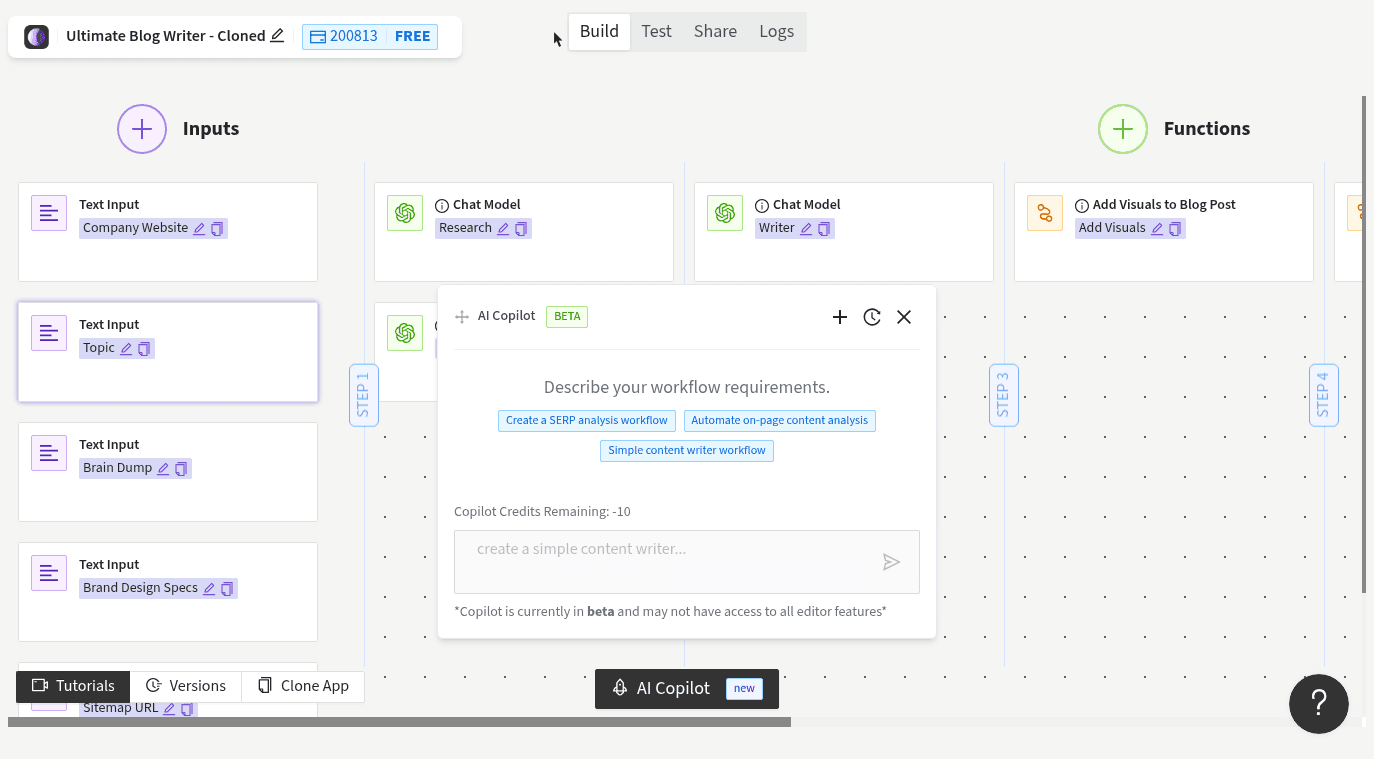
In the past, this required complex Python scripts or fragile Zapier loops. Today, you can use a dedicated AI app workflow. We will use the Generate SEO Content Briefs app within Moonlit.
This app acts as a logic processor. It takes your keyword, analyzes the requirements, and produces a structured document.
Standard vs. Custom Logic
Most SEO tools force you into their rigid brief format. The advantage of a no-code workflow is that you can adapt the engine to your specific needs:
The Standard Approach: You input a keyword, and the LLM (Large Language Model) uses its training data to suggest a structure.
The "Live Data" Approach (Pro Tip): You can customize the app to include a SERP Scraper node. This forces the AI to look up the current top 3 ranking URLs for your keyword, read their headers, and generate a brief based on live competition rather than historical data.
Brand Voice Injection: If you are an agency, you can clone the template and add a "Client Context" input field. This ensures every brief generated includes specific tone guidelines (e.g., "Professional but witty") automatically.
You can explore the base template here: Generate SEO Content Briefs.
Phase 3: The "Factory Line" (Running Bulk Jobs)
This is where the magic happens. This is where we leave the "chat interface" behind.
Moonlit's Bulk Jobs feature allows you to run an app workflow hundreds of times simultaneously. It works asynchronously, meaning you can start the job, close your laptop, and come back to finished work.
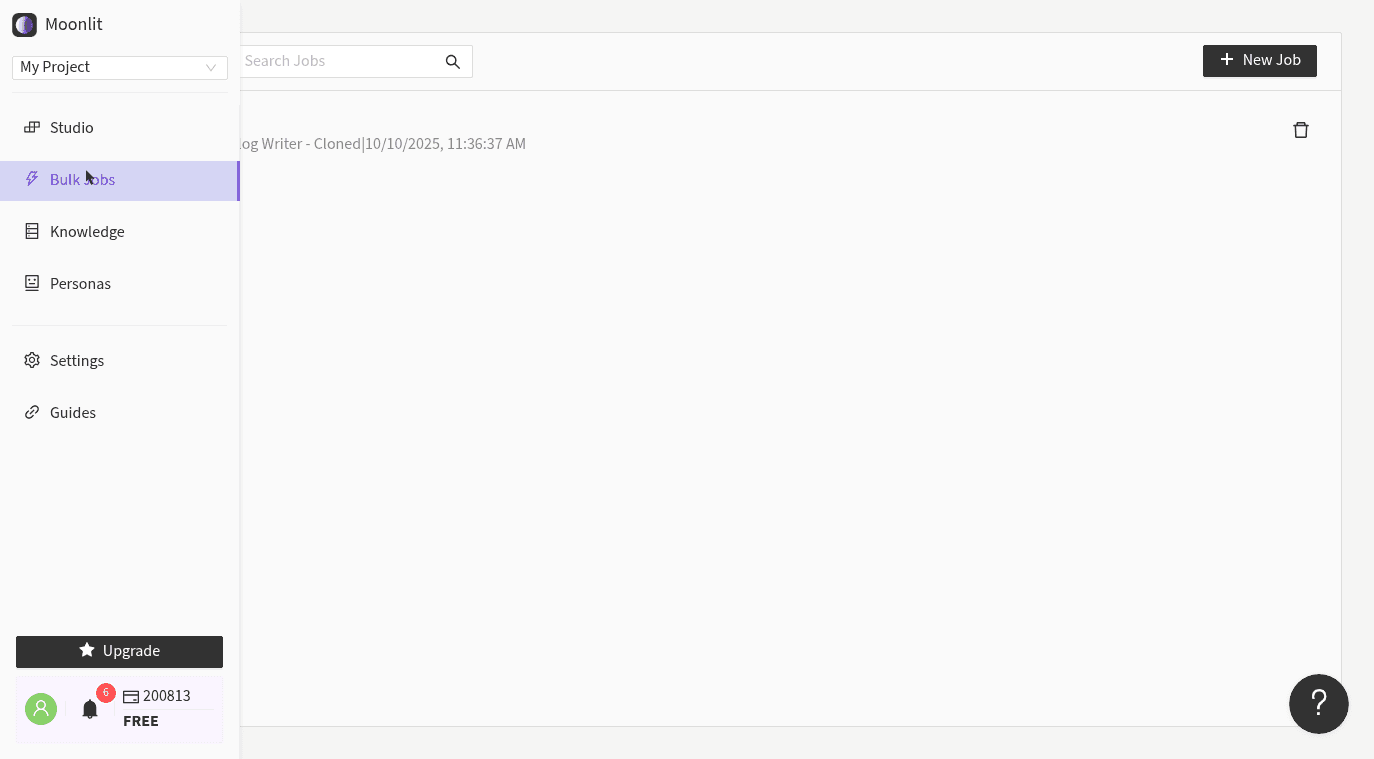
Step-by-Step Bulk Process:
Navigate to Bulk Jobs: In your Moonlit dashboard, select the "Bulk Jobs" tab.
Select Your App: Choose the "Generate SEO Content Briefs" app (or your customized version of it).
Upload Your Fuel: Upload the CSV file you created in Phase 1.
Map the Fields: This is the most critical step. You simply connect the dots between your spreadsheet and the app:
Map
CSV Column: Keyword→App Input: Target KeywordMap
CSV Column: Intent→App Input: Search Intent
Run: Click the button.
The system will now spin up a separate instance of the AI workflow for every single row in your spreadsheet. It performs the research, structures the headers, and compiles the guidelines for 50+ keywords in parallel.
For a deeper dive on setting this up, check out the guide on Running Apps at Scale.
Quality Control: The "Human-in-the-Loop"
Automation does not mean "set it and forget it." It means shifting your effort from creation to curation.
Once your bulk job is complete, you will download a result file containing all your briefs. Instead of spending 25 hours writing them, you might spend 45 minutes reviewing them.
How to spot-check 50 briefs quickly:
Scan the H2s: Do the headers tell a logical story?
Check the Intent: Did the AI interpret "CRM" as "Customer Relationship Management" or "Crew Resource Management"? (Context inputs help prevent this).
Verify Competitors: If you used the scraper function, ensure the competitor links are relevant.
Even with a review process, you are moving roughly 90% faster than the manual alternative.
Workflow Handoff: From CSV to Writer
You now have a spreadsheet filled with high-quality, Markdown-formatted content briefs. How do you get them to your writers?
The Project Management Route: Import your CSV into tools like ClickUp, Asana, or Monday. Map the "Brief Output" column to the task description field. Your writers will see the full brief inside their task ticket.
The CMS Route: If you are using WordPress, you can paste the Markdown directly into the editor as a draft, giving the writer a pre-formatted skeleton to fill in.
The Document Route: Use a simple Zapier automation (or a Moonlit integration) to trigger whenever a bulk row is finished, automatically creating a Google Doc and pasting the brief inside.
Conclusion
The difference between a struggling content operation and a scalable media machine isn't usually the quality of the writers—it's the efficiency of the pipeline.
By moving from manual brief creation to bulk processing, you turn a 25-hour administrative nightmare into a 15-minute setup. You free yourself to focus on strategy and quality control, while the "factory line" handles the repetitive structuring.
Ready to build your pipeline?
Start by mapping your strategy with the Topical Map Generator.
Turn that map into instructions with the Generate SEO Content Briefs App.
Scale it up using Bulk Jobs.